
Watch your regions, not the world.
Track eu-west and the exact components you run on — no location access needed. Global status stays visible, so the big one never blindsides you.
For on-call engineers
One toolbar badge watches the official status feeds of 100+ products and answers the 3 a.m. question in a glance: your code, or your vendor?
Early access · built by an SRE who got paged too many times.
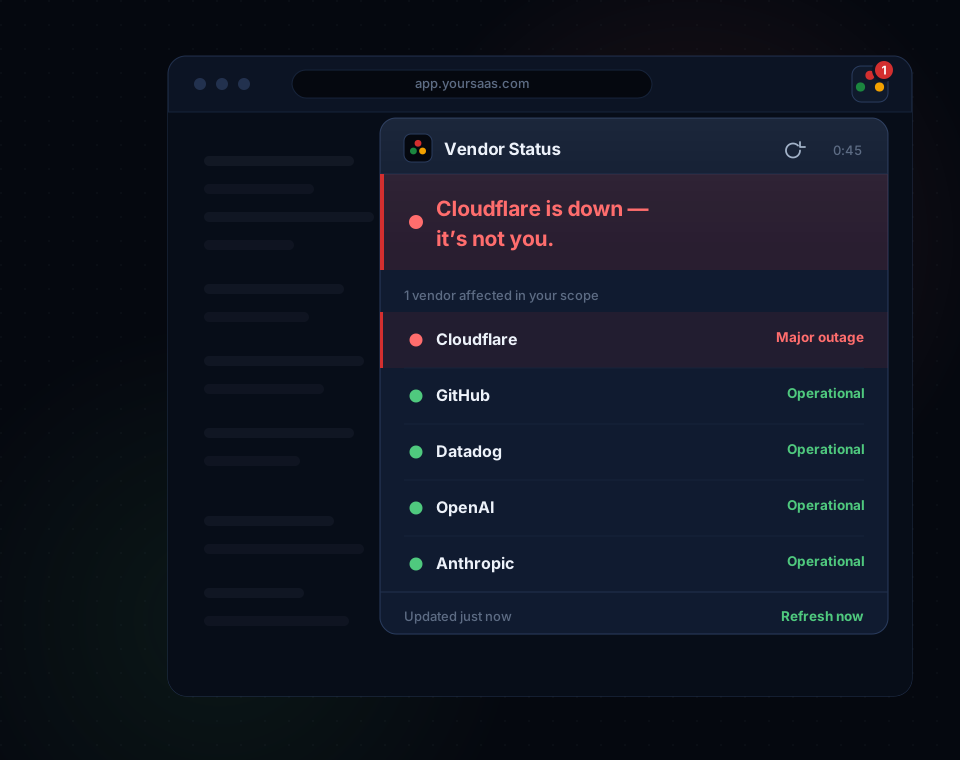
The 3 a.m. moment
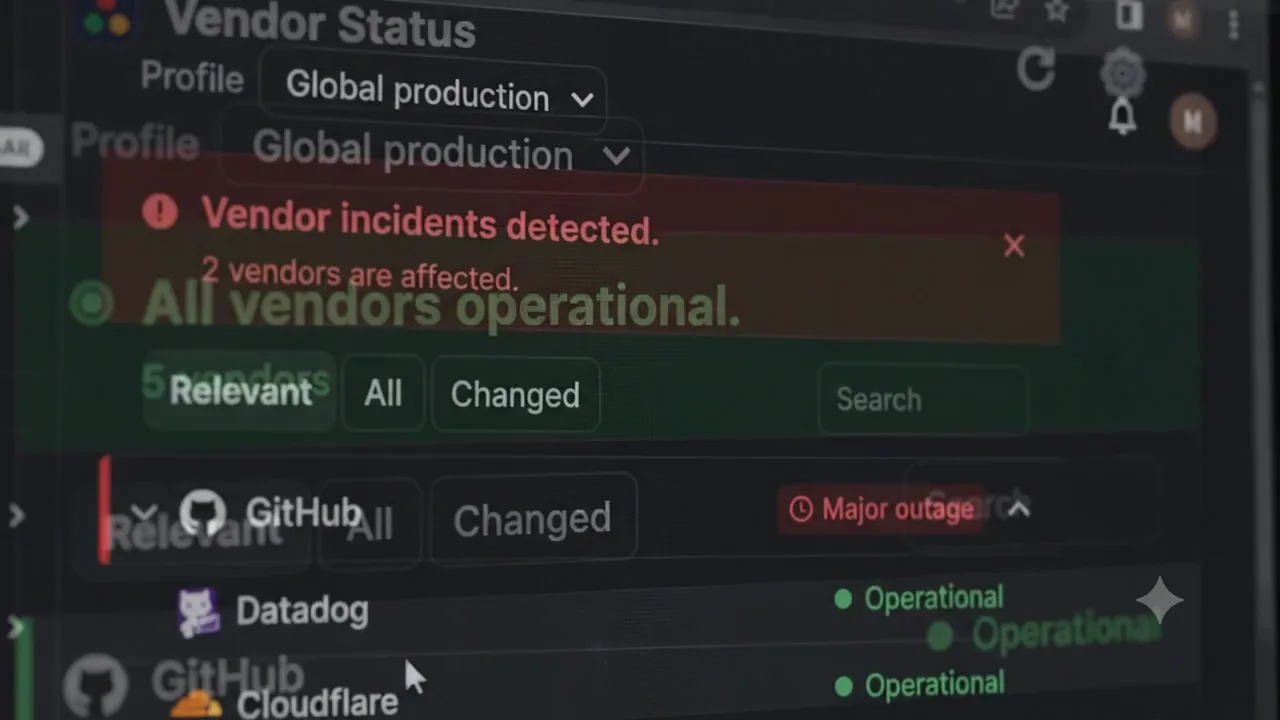
Somewhere upstream, a vendor deploys something. Your pager doesn’t know that yet — it just knows errors are up.
The badge is already red: one of your vendors has an open incident. One click shows which components, which regions, since when.
Drop the vendor’s official status link in the incident channel and stand down the rollback. It’s them, not you.
SRE Command Center
Global status, your scoped impact, triage, history and the next action — one panel beside the incident, not another tab to lose.
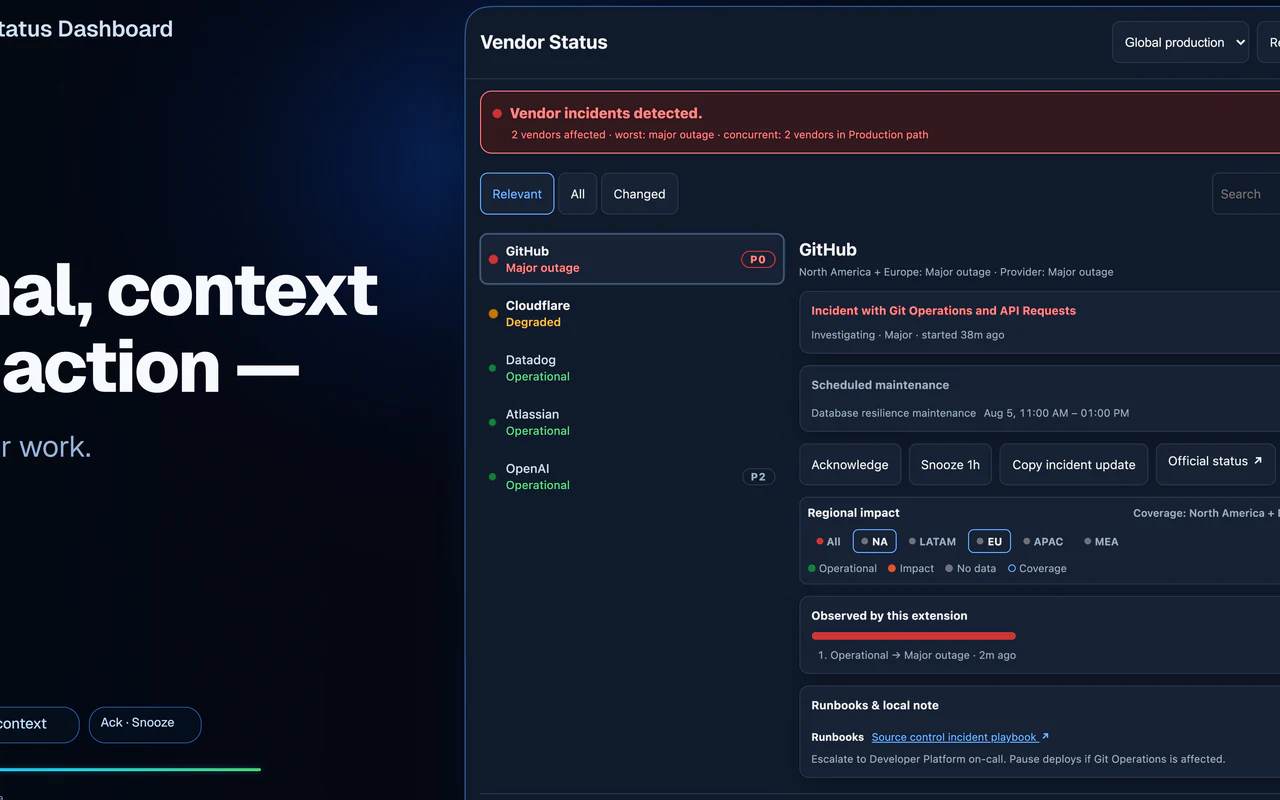
Name a profile per rotation, choose its vendors and regions, and keep global provider status visible the whole time.
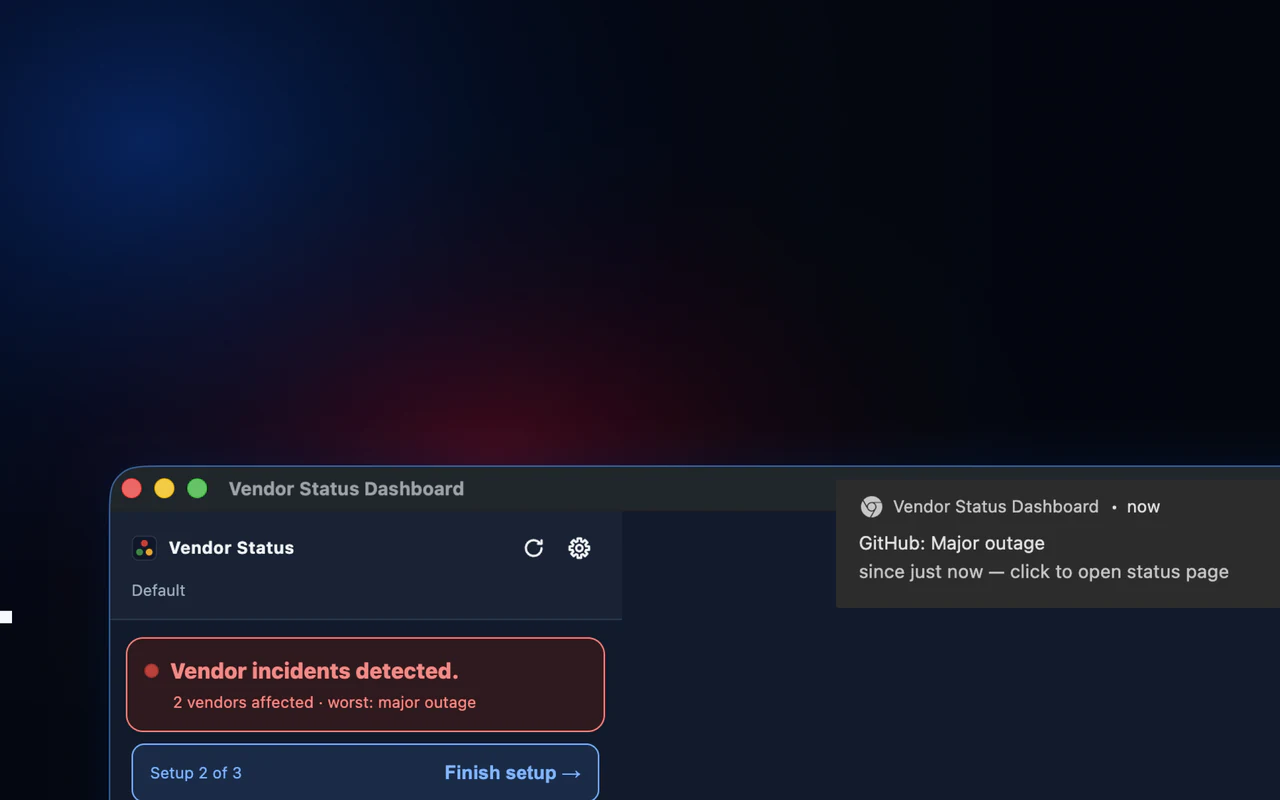
Desktop notifications carry severity, timing and a direct action — and respect your quiet hours.
Screenshots
Five real product views — popup, Side Panel, profiles, runbooks and Pro alerts. No mockups.
Built for the incident, not the demo
Everything below is computed and stored on your machine.
Track eu-west and the exact components you run on — no location access needed. Global status stays visible, so the big one never blindsides you.
Tag the dependencies that can take you down as P0. Incidents sort by what hurts, not alphabetically.
Switch between production, incident-response or regional setups without rebuilding your vendor list. Named profiles are Pro; every install gets Default.
Status changes that land together get grouped together — labeled concurrent, never a root-cause guess.
Plaintext notes and HTTPS runbook links, stored locally. The extension never fetches what’s behind them.
Validated JSON export skips license keys, Slack webhooks, history and triage. By design, not by promise.
Local-first
No account, no VendorStatus backend, no extension telemetry. The whole network map fits in two lists.
The full story is in the privacy policy.
Built-in catalog
Pick the services your production path depends on. Every product is watched through an official machine-readable status feed — never scraped HTML.
AWS Google Cloud Microsoft Azure Cloudflare Vercel Netlify Datadog Sentry New Relic Grafana Cloud OpenAI Anthropic GitHub Atlassian Twilio Zoom Figma Discord
18 shown. 80+ more across payments, auth, CI/CD, ticketing and data.
See the full catalog — 100+ productsSimple pricing
Everything that answers “is it my vendor?” is free. Pro adds the alerting and history an on-call rotation needs.
$0 forever
$39/year save 35%
or $5/month · cancel anytime
Renews automatically at the same price and period. Cancel anytime in Polar’s portal — access runs to the end of what you paid for.
No free trial, no lifetime plan — and Free is free forever.
| Capability | Free | Pro ($5/mo · $39/yr) |
|---|---|---|
| Vendors | Any 5 enabled from 100+ bundled products; replace anytime | Unlimited, incl. custom Statuspage URLs |
| Poll interval | Fixed 15 min | Configurable 2–60 min (floor 2) |
| Popup dashboard | Yes | Yes |
| Side Panel SRE Command Center | Yes | Yes |
| Regional scope + P0/P1/P2 criticality | Yes | Yes |
| Operational profiles | Default profile | Unlimited named profiles |
| Concurrent-change grouping | Basic active cluster | Advanced window and detail |
| Local runbooks and notes | 1 runbook | Multiple bounded runbooks |
| Safe local configuration backup | Yes | Yes |
| Toolbar badge (count + worst-severity color) | Yes | Yes |
| Manual “Refresh now” (rate-limited) | Yes | Yes |
| Desktop notifications on status change | No | Yes |
| Advanced alert rules | No | Quiet hours, reminders, maintenance, severity + criticality |
| 30-day observed incident timeline | No | Yes |
| Slack webhook notification (user-supplied URL) | No | Yes |
Straight answers
Free requires no VendorStatus account. Pro checkout and renewal are handled by Polar; activation uses a Polar-issued license key.
Configuration and incident context stay on-device. Network calls go only to official status feeds you enable, your optional Slack webhook, and Polar when you activate or validate Pro. See the privacy policy.
The Free tier (5 vendors) is free forever. Pro is live at $5/month or $39/year (save 35%), with secure checkout and license delivery handled by Polar.
On first open, 10 preset vendors are already configured and 5 of them — GitHub, Cloudflare, Datadog, OpenAI, Anthropic — are live and checking. Hit Refresh now for an instant answer, and swap in anything from the catalog of 100+ products anytime (Free keeps 5 active). Checks run every 15 minutes on Free, down to every 2 on Pro.
Polar emails a license key after checkout. In the extension, open Options → Data → License, paste the key, and activate this browser profile. The same key works in supported browsers; each browser profile uses its own activation. If Polar can’t be reached for a while, Pro stays active on the last successful check — you don’t lose features to a network blip.
Manage or cancel renewal from Polar’s customer portal; access continues through the paid period. Cancellation does not automatically refund past charges. See Terms & Billing for refund instructions.
More than 100 bundled, ownership-proven products ship with the extension, including dedicated adapters for AWS, Google Cloud and Microsoft Azure. On Pro you can also add any Statuspage-powered status page as a custom vendor. See the complete integration directory.
Yes. AWS, Google Cloud and Microsoft Azure are supported through dedicated adapters for their official machine-readable status feeds.
It groups relevant status changes observed within a short time window. The label stays descriptive and does not identify causation.
No. Profiles, criticality, notes and runbook links stay in chrome.storage.local. Runbook URLs are shown as links only; the extension never fetches their content.
Vendors, scopes, profiles and safe settings. License data, Slack webhooks, snapshots, history and triage are always excluded. Local notes and runbooks require an explicit opt-in.
Available now in the Chrome Web Store and Microsoft Edge Add-ons.
No account required — and Free is free forever. Compare Free and Pro.